

Issue a credit note
A credit note corrects an issued invoice: something returned, not delivered or over-billed. It takes the tax back along with the amount, so what you owe the tax office drops with what the customer owes you. The invoice itself stays exactly as it was issued.
-
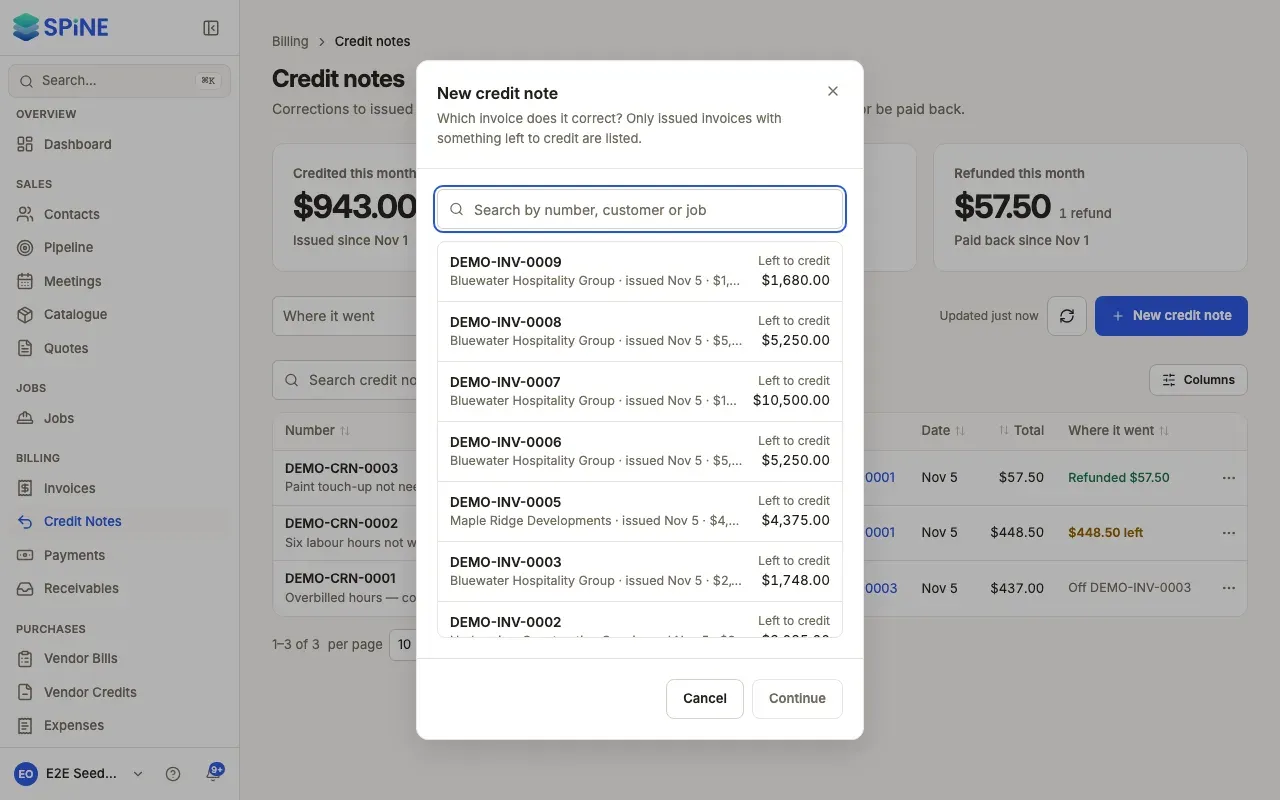
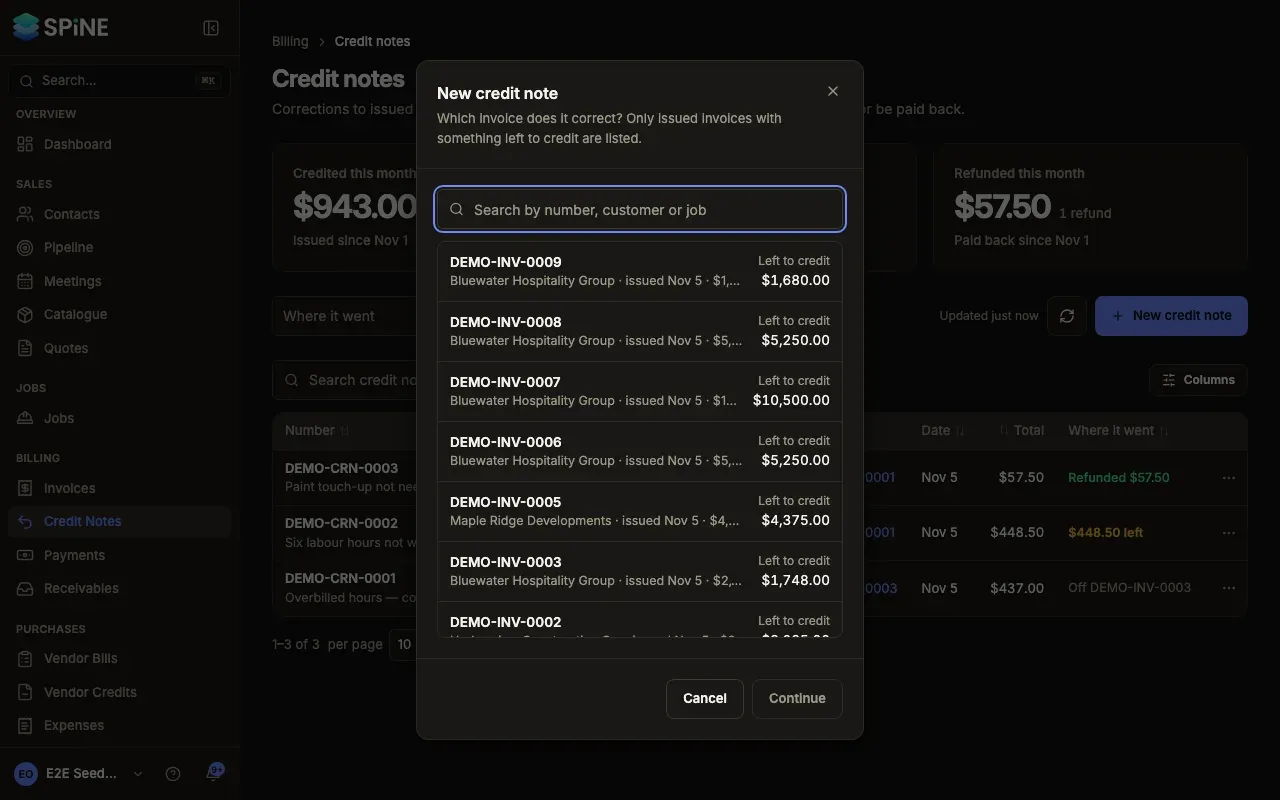
Start the credit note — Open the issued invoice, open More and choose Issue credit note. Or go to Credit Notes, press New credit note, search for the invoice and press Continue.
-
Choose how to credit — Issue a credit note offers Credit lines (the default) or Credit an amount.
-
Credit lines — Tick each line to credit and set how many, up to what’s left (for example “3 of 5 left”). A line already credited in full shows Fully credited and can’t be ticked.
-
Or credit an amount — Enter the Amount to credit, tax included. Spine spreads it over the invoice’s lines by what’s left to credit on each, and takes back each part’s tax at that line’s rate.
-
Give a reason — Enter the Reason, for example “Canopy reduced from 36 to 24 m² — 12 m² not built.” The customer sees it on the credit note.
-
Check the totals — The dialog shows Subtotal, the tax by name (such as CGST and SGST, or VAT) and Total.
-
Issue it — Press Issue credit note.
What happens next
Section titled “What happens next”- A toast says, for example, “CRN-0007 issued”. It gets the next credit-note number and its PDF is saved.
- The invoice’s balance drops, and the credit note is listed under Credit notes on the invoice, with a link to its own page.
- The tax comes off your tax account, and GST returns show it by component.
When the credit is more than what’s owed
Section titled “When the credit is more than what’s owed”You can credit an invoice that’s part paid or fully paid. When the total is more than the balance, the dialog says how it splits, for example “$2,000.00 reduces what’s owed on INV-0016; $4,000.00 becomes credit for” the customer. The extra is held as the customer’s credit, to apply to another invoice or refund.
If Spine won’t issue it
Section titled “If Spine won’t issue it”- “Line 2 has 3 left to credit.” — you set a quantity above what’s left.
- “You can credit up to … on this invoice.” — the total is more than is left to credit.
- No Issue credit note on the invoice — everything on it has been credited already, or it’s a deposit or opening-balance invoice.
Last updated with Spine 1.0.0-beta.2