

Pay a vendor
When you pay a vendor, record the payment in Spine and tick the bills it covers. Each bill’s balance drops by what the payment put on it, and the payment is posted to your books: Accounts Payable goes down and so does the account you paid from. One payment can pay several bills from the same vendor.
-
Open the payment dialog — Go to Vendor Payments and press Record payment. Or, on a bill’s page, press Pay bill: the vendor is chosen and that bill is ticked for its balance.
-
Choose the vendor — Their recorded bills with a balance are listed, oldest due first, with the bill number, bill date, due date (and how late), balance and a tick box.
-
Tick what it pays — Tick each bill the payment covers, or press Pay all. The Amount becomes their total. If you type the amount first instead, it’s spread over the bills oldest first, and you can change any line up to its balance.
-
Fill in the details — Set the Date, the Method (Cash, Bank transfer, Cheque, Card, UPI or Other) and Paid from — the account the money left. Reference is optional: a cheque number or transaction ID.
-
Check the line above the button — When the amount and the ticked lines match, it reads, for example, “$48,000.00 pays RTE-3302 in full and $8,000.00 of RTE-3340.”. If they don’t match, it says by how much, and Record payment stays off.
-
Record it — Press Record payment. Spine asks “Record this payment?” with the same summary. Confirm with Record payment.
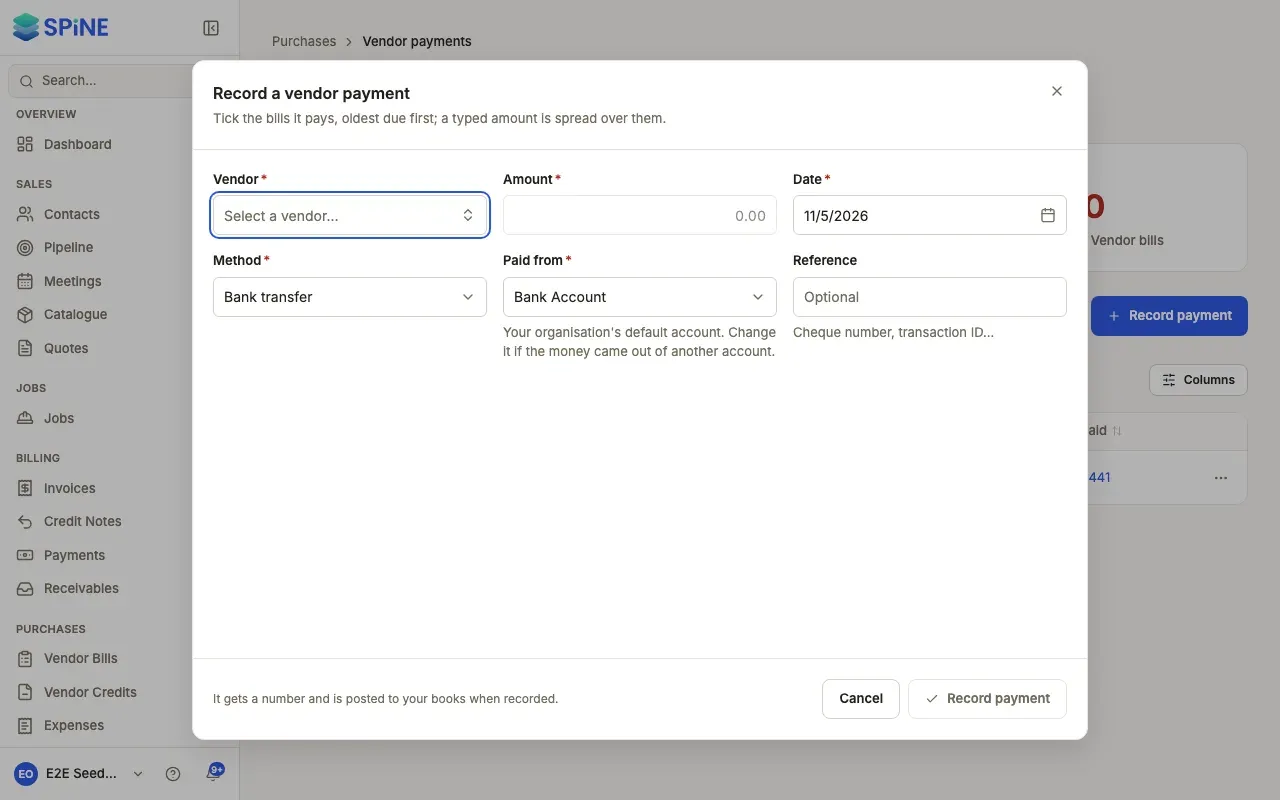
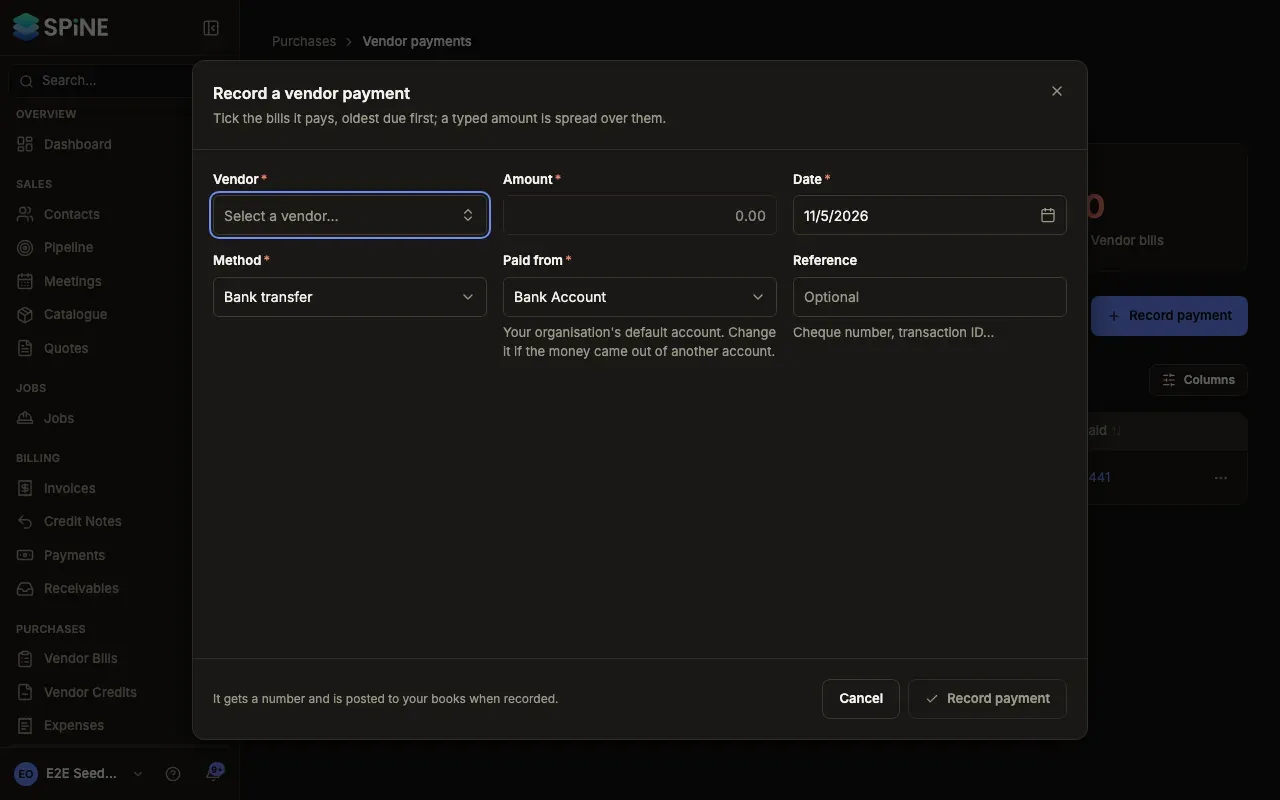
The toast names the payment, for example “VPY-0012 recorded”. From the list, the payment’s page opens; from a bill, the bill refreshes with its new balance.
Before you record
Section titled “Before you record”- Open credit. If the vendor has open vendor credit, the dialog says “<Vendor> has … of credit. Apply it first?” with a link. Using the credit first means you pay less — see Apply a vendor credit to bills.
- A payment that looks recorded already. If there’s a payment to the same vendor for the same amount within 3 days, or with the same reference, the dialog warns “This looks like VPY-0011 …” with a link. Record it anyway if it’s really a second payment.
- No bills to pay. If the vendor has no recorded bills with a balance, the dialog says so. Record the bill first.
Every payment gets a VPY- number. To tell the vendor what you paid, send a remittance advice.
Last updated with Spine 1.0.0-beta.2