

Turn an accepted quote into a job or invoice
Once a customer accepts a quote, you can turn it into a draft invoice with the same lines, or into a job with the quote total as its contract value. You can do both: for example, a job to track the work and an invoice for a deposit.
Convert to an invoice
Section titled “Convert to an invoice”-
Open the accepted quote — Go to Quotes and open it, or use the row’s … menu.
-
Press Convert to invoice — It’s the main button on an accepted quote. Spine asks Convert to an invoice? and says a draft invoice is made from the quote’s lines, and that nothing is issued or posted until you issue it.
-
Confirm — Press Convert to invoice. The draft invoice opens, for the same contact with the same lines, linked back to the quote.
-
Check and issue it — Change anything you need, then issue it from the invoice. See Invoices.
Convert to a job
Section titled “Convert to a job”-
Press Convert to job — On the accepted quote, press Convert to job. Spine asks Convert to a job? and shows the contract value.
-
Confirm — Press Convert to job. The new job opens for the same contact, with the quote total as its contract value and a link to the quote. It’s named after the quote’s title, or its first item and the customer.
-
Set up the job — Add its milestones next. See Jobs.
Converting the same quote twice
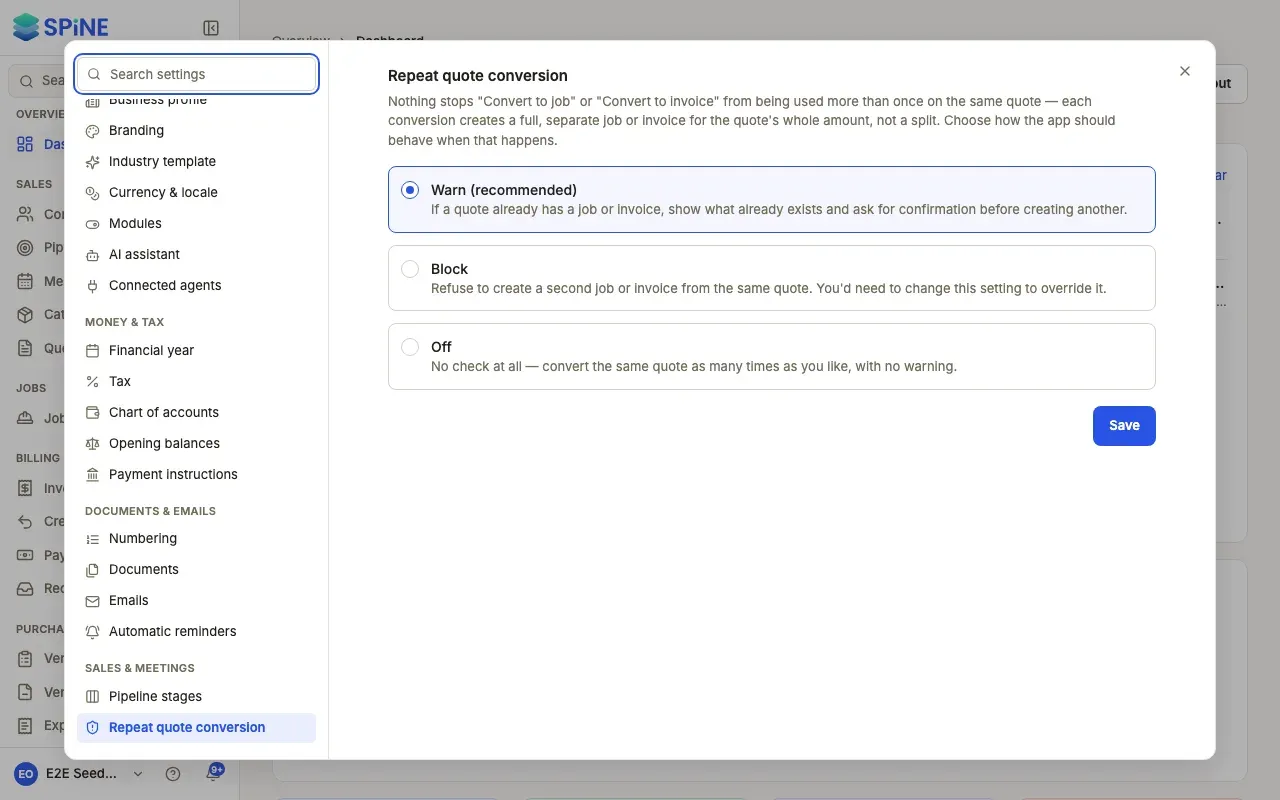
Section titled “Converting the same quote twice”Each conversion makes a full, separate job or invoice for the quote’s whole amount; the amount isn’t split. By default Spine warns you: This quote has already been converted before lists the existing jobs or invoices, each as a link, with Cancel and Convert to job anyway (or Convert to invoice anyway).
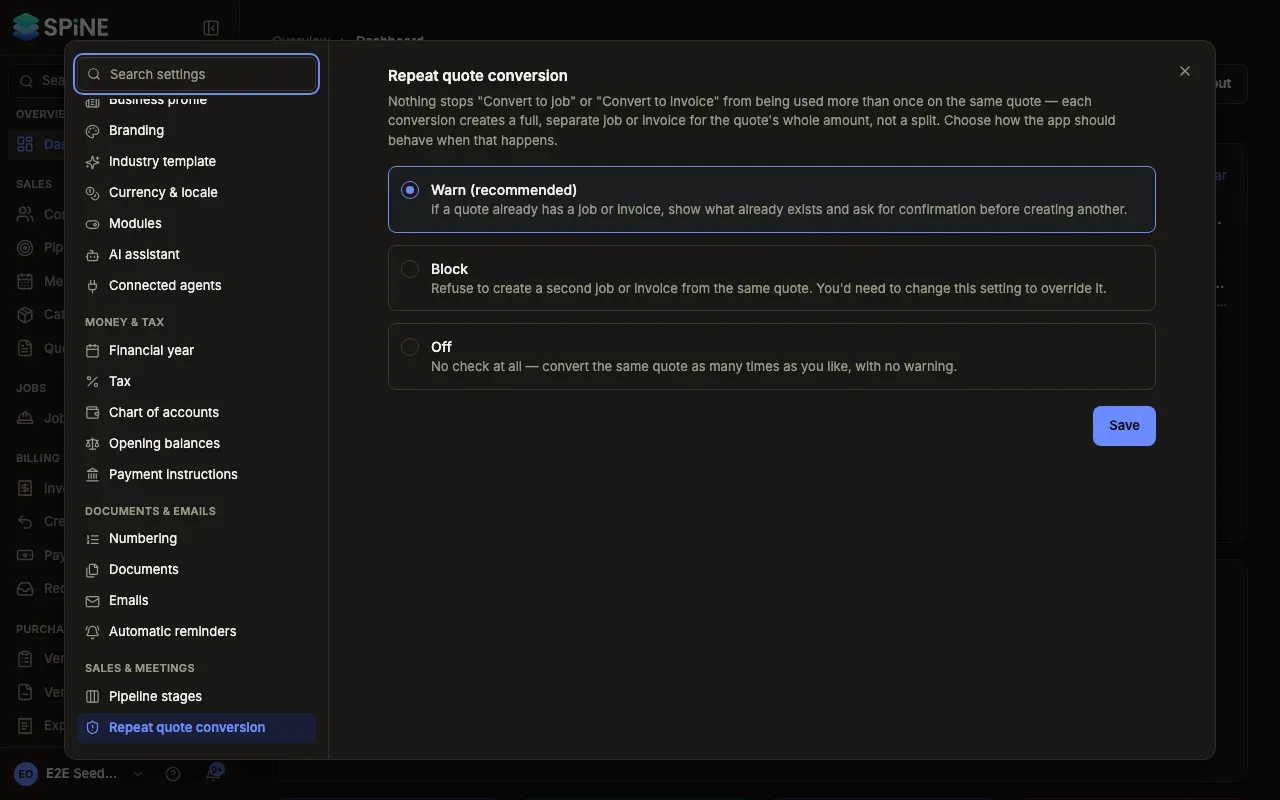
An Owner chooses how this works in Settings › Repeat quote conversion:
- Warn (recommended) shows what already exists and asks before creating another.
- Block refuses a second job or invoice from the same quote.
- Off converts with no check at all.
The quote’s Related panel lists every job and invoice made from it.
Last updated with Spine 1.0.0-beta.2