

Find your way around the calendar
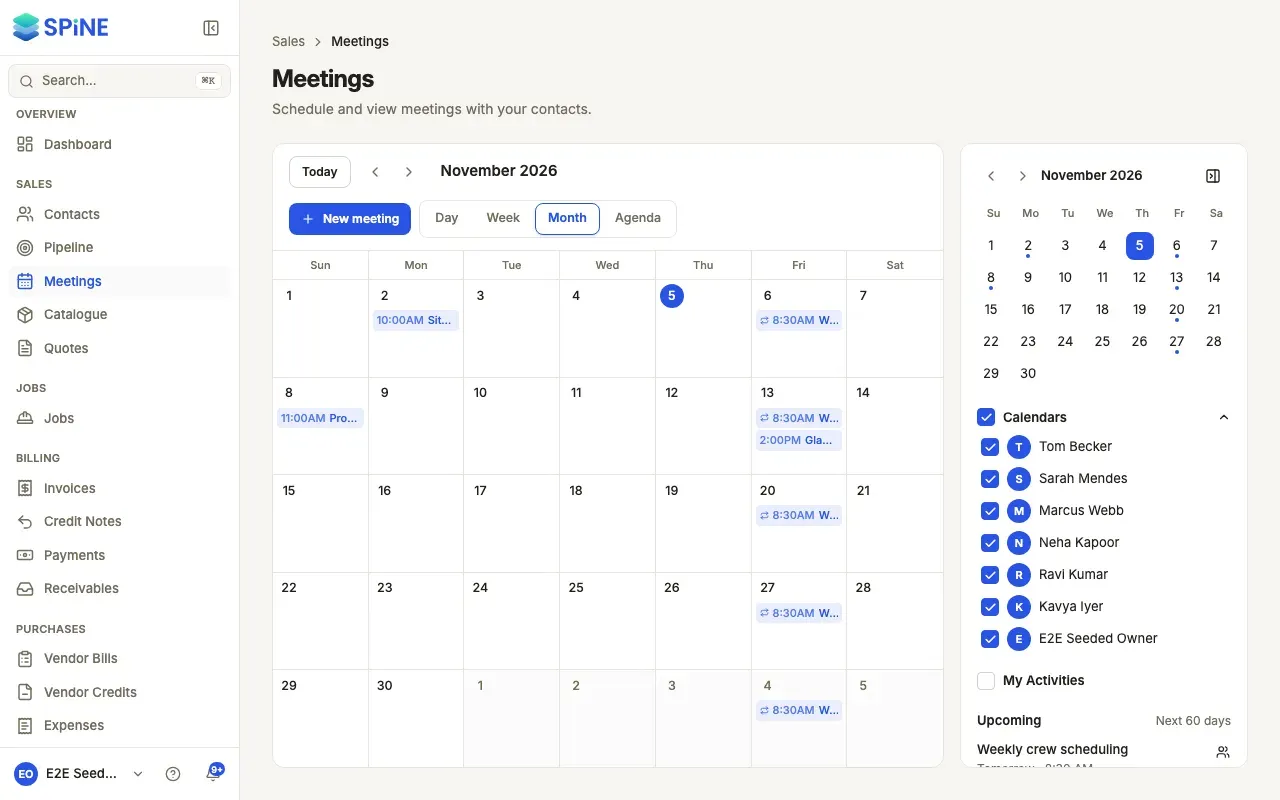
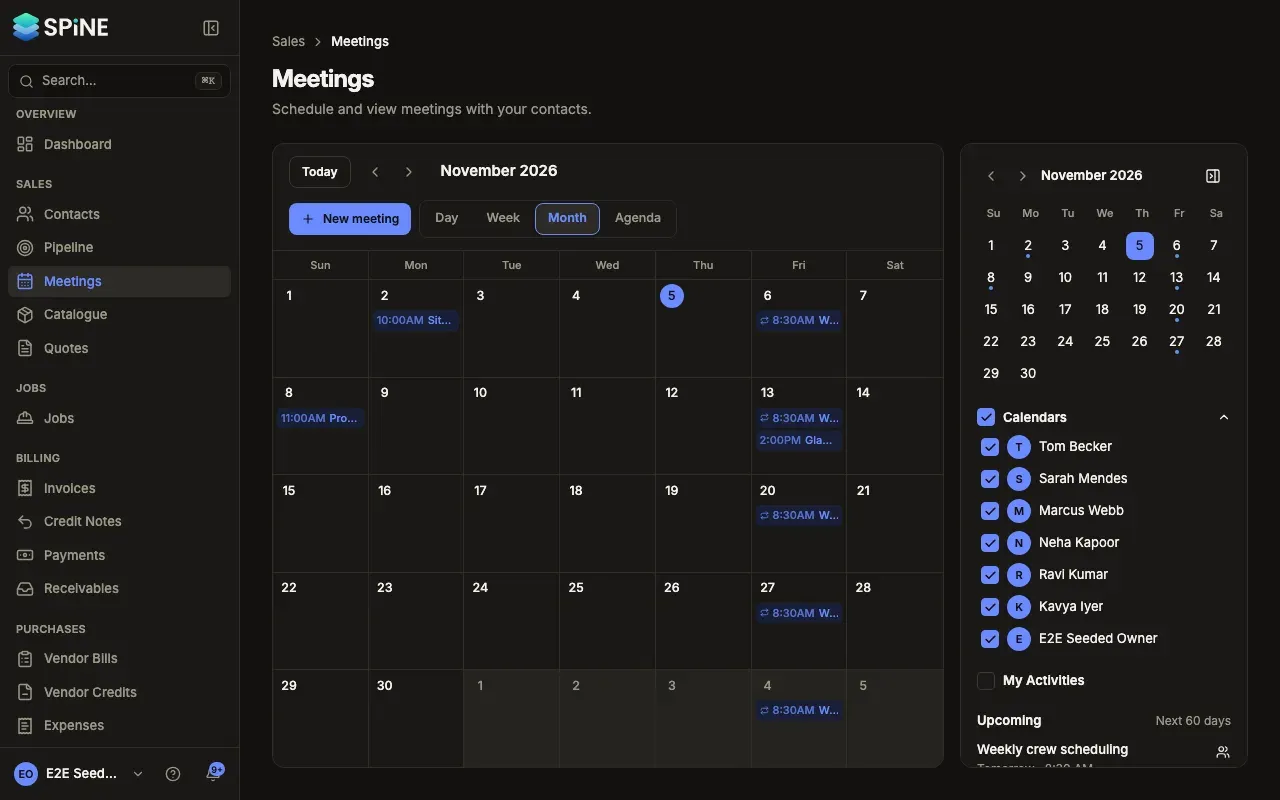
The calendar shows your meetings the way you need them: a single day, a working week, the whole month, or a list of what’s coming up. The mini calendar and the sidebar lists help you find a free day or the next meeting.
- Choose a view — In the toolbar, choose Day, Week, Month or Agenda. The heading shows the range, such as “October 4 – 10, 2026” or “Upcoming from Oct 4, 2026”.
- Move through time — Press Previous or Next to move a range back or forward, or Today to come back to today.
- Jump to a date — Click a date in the mini calendar. The main view moves to it.
What the calendar shows
Section titled “What the calendar shows”- Day and Week open at 8 AM, or at the hour before now when you’re looking at today and it’s later than 9 AM. A line marks the current time on today’s column.
- In Month, a busy day shows “+3 more” when its meetings don’t fit. Press a date to open it in Day view.
- Agenda lists each meeting with its time (or “All day”), title, location and contact. With nothing coming up, it says so.
The mini calendar
Section titled “The mini calendar”A dot under a date means there’s at least one meeting that day. Hover over it to see how many, such as “2 meetings”. In Day or Week view, the days you’re looking at are shaded. Use the arrows to page to another month.
The sidebar lists
Section titled “The sidebar lists”- Upcoming lists your next 8 meetings in the next 60 days, such as “Today · 2:00 PM” or “Tue 13 Oct · 9:00 AM”. Press a title to go to that day and open the meeting. With none, it says “Nothing in the next 60 days.”
- Meetings by contact counts the linked meetings in the range you’re looking at. Press a contact to open their page.
Press Hide calendar sidebar to give the calendar more room, and Show calendar sidebar to bring it back.
Come back to the same place
Section titled “Come back to the same place”The address keeps your view and date (for example /meetings?view=month&date=2026-10-12), so reloading, Back and bookmarks return you to the same place. Opening plain Meetings shows the view you last used on this device, on today.
On a small screen
Section titled “On a small screen”On a window narrower than a tablet, the calendar opens in Agenda, and Week isn’t offered. Press Mini calendar above the calendar to open the mini calendar and the Calendars list.
Last updated with Spine 1.0.0-beta.2