

Export your books for Tally
If your accountant keeps your books in TallyPrime or Tally.ERP 9, they don’t need to retype anything. Spine builds a ZIP of masters (ledgers) and vouchers (transactions) for a period, which they import in Tally. Before the first export, check which Tally group each of your accounts goes into.
Export the period
Section titled “Export the period”- Open Export to Tally — Go to Reports and choose Export to Tally under Accountant.
- Set the range — Choose From and To.
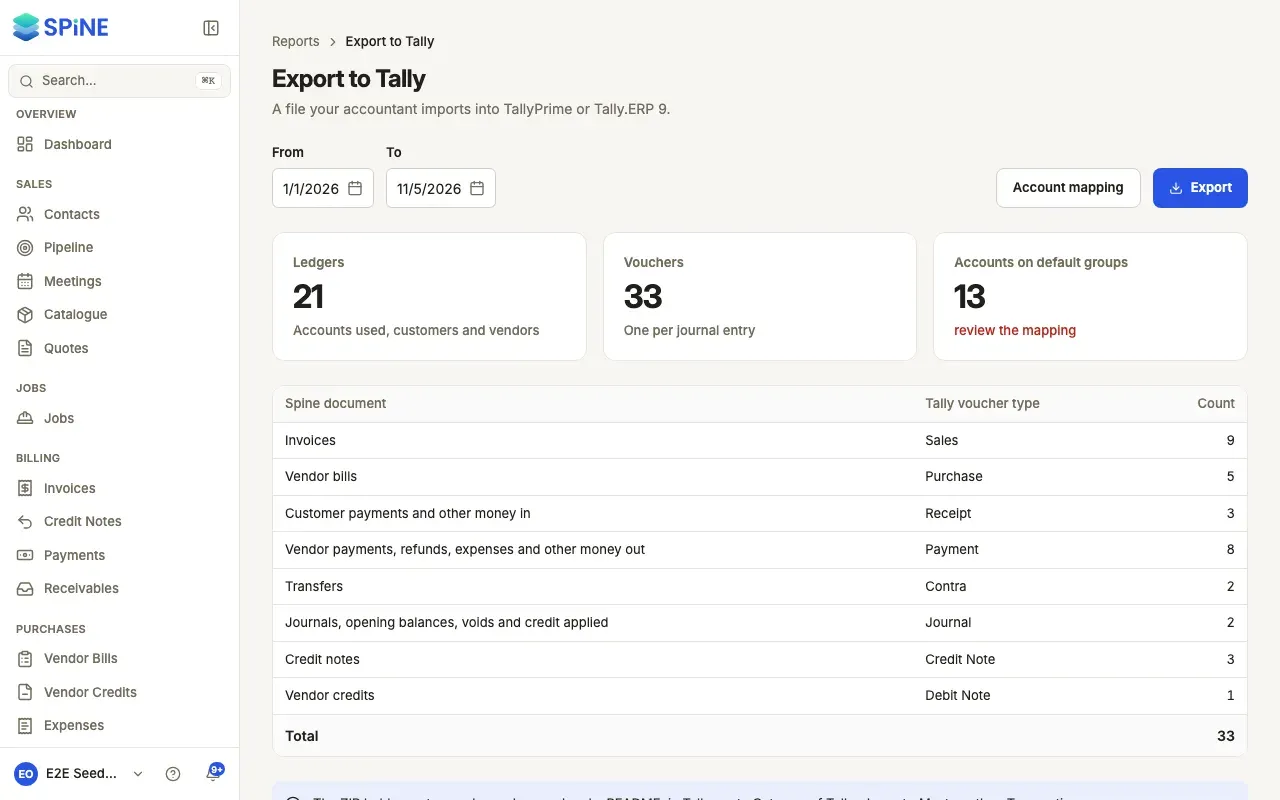
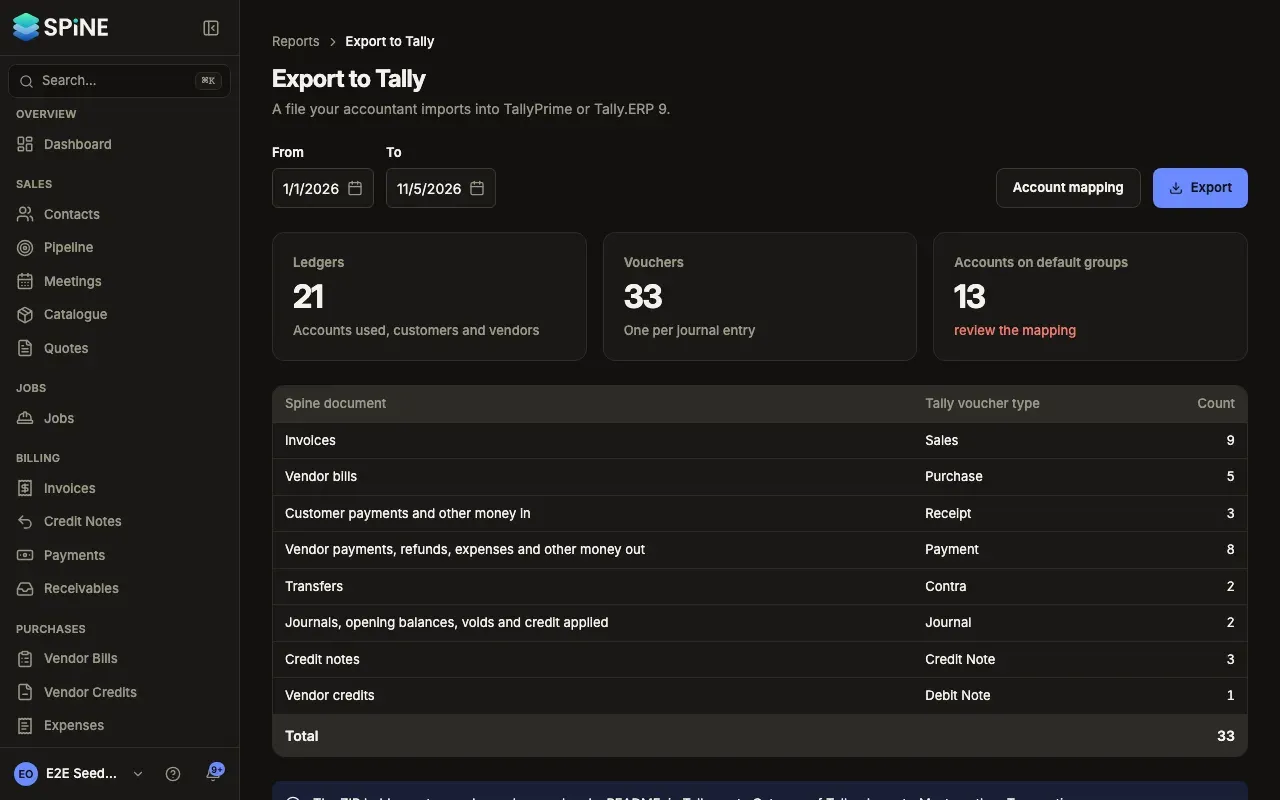
- Check the cards — Ledgers (accounts used, customers and vendors), Vouchers (one per journal entry) and Accounts on default groups. If that card says to review the mapping, some accounts haven’t been mapped yet.
- Check the voucher types — The table shows each Spine document, the Tally voucher type it becomes and the Count.
- Download — Press Export. A ZIP downloads with
masters.xml,vouchers.xmland aREADME.txt. - Import in Tally — In Tally, go to Gateway of Tally › Import › Masters, then Transactions.
What goes where
Section titled “What goes where”- Every account used in the range becomes a ledger under its mapped group. Customers go under Sundry Debtors and vendors under Sundry Creditors, with their address, state and GSTIN.
- Invoices become Sales vouchers, bills Purchase, customer payments Receipt, vendor payments and refunds Payment, transfers Contra, journals and opening balances Journal, credit notes Credit Note and vendor credits Debit Note. Each is balanced and refers to its invoice or bill number.
- An account you haven’t mapped uses the default for its type, and the README lists the defaults used.
Map your accounts to Tally groups
Section titled “Map your accounts to Tally groups”- Open Account mapping — On Export to Tally, choose Account mapping.
- Find the account — Filter by Account type or use Search accounts. Each account shows its Code, name and Spine type.
- Pick the Tally group — Choose from Tally’s own groups, such as Bank Accounts, Cash-in-Hand, Duties & Taxes, Sales Accounts, Direct Expenses or Indirect Expenses.
- Save — Press Save mapping. You see “Mapping saved”, and later exports use these groups.
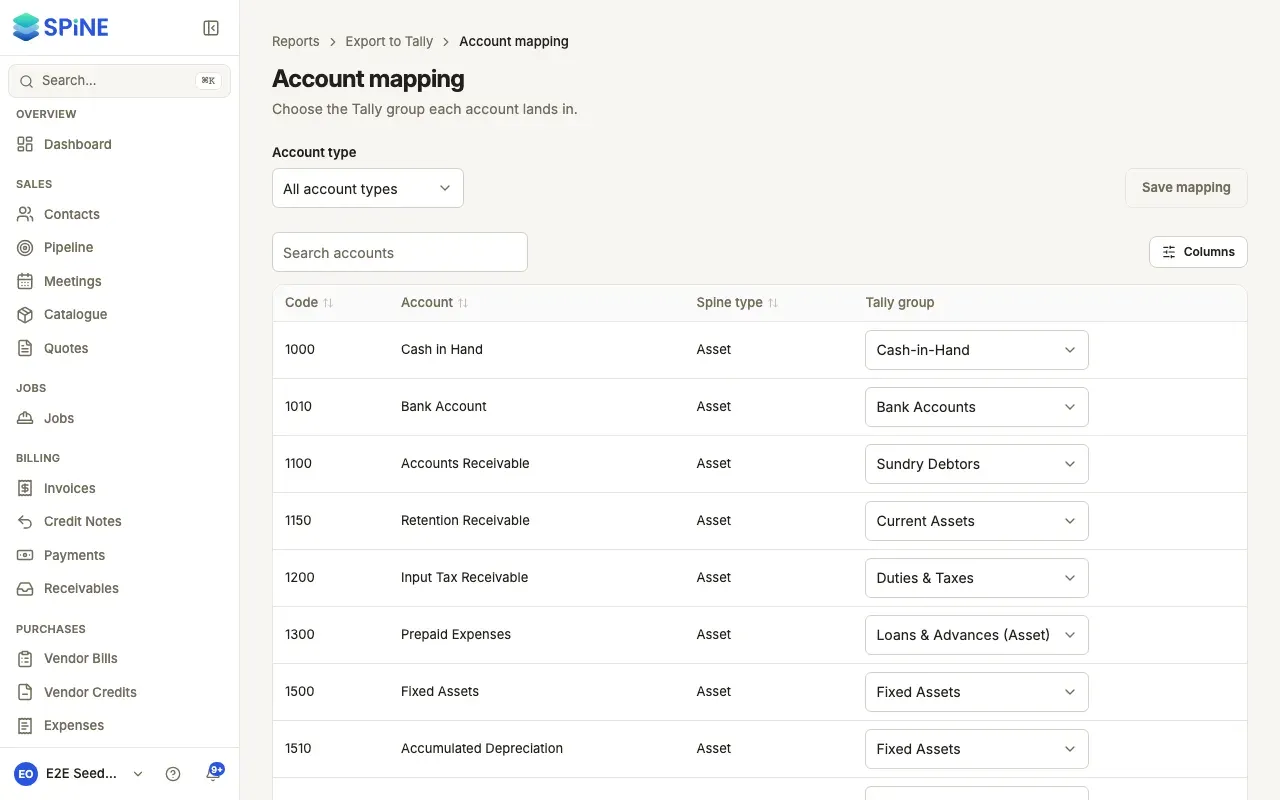
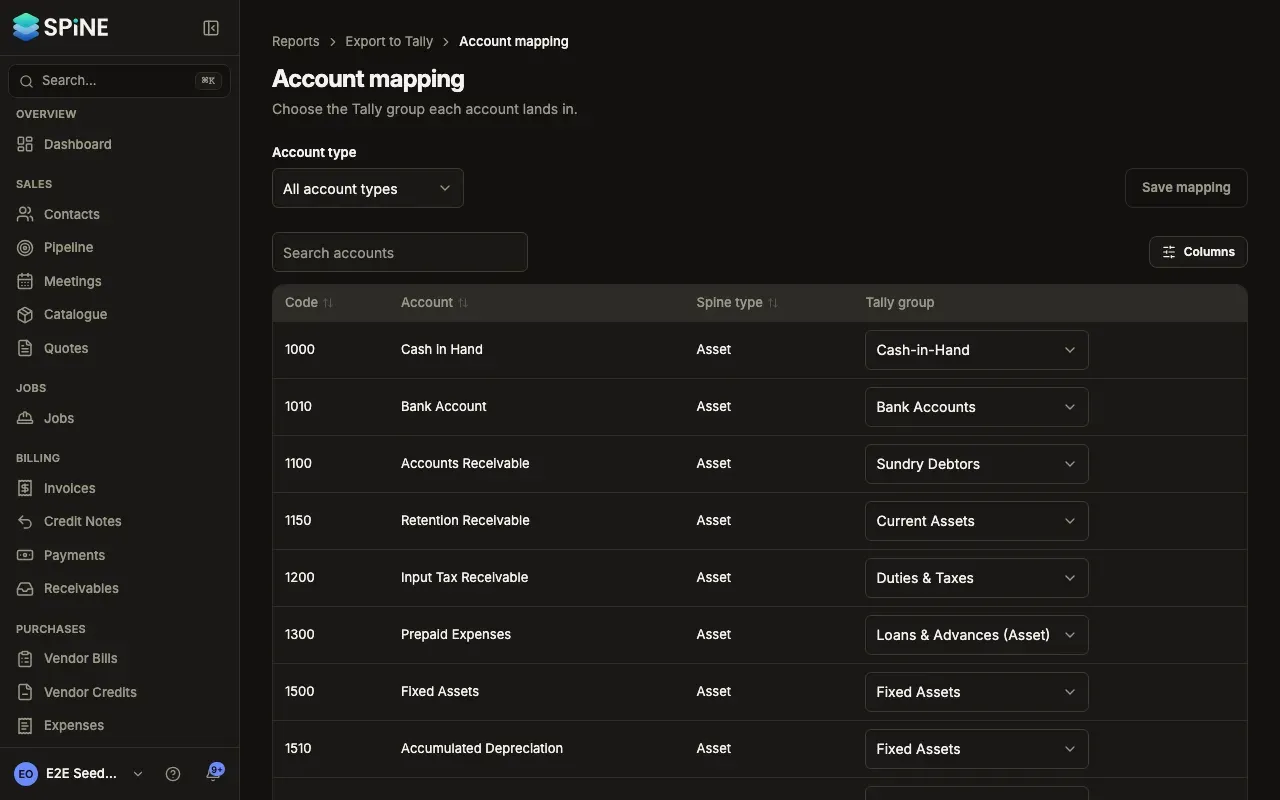
The first time, each account is mapped from its type and code: bank accounts to Bank Accounts, 1000 to Cash-in-Hand, the tax accounts to Duties & Taxes, 4xxx to Sales Accounts, 5xxx to Direct Expenses and 6xxx to Indirect Expenses.
Last updated with Spine 1.0.0-beta.2